
Search
Logging into TitanWBL is the first step to recording a certification experience. This process is simple and ensures accurate reporting of work-based learning activities. Follow these steps to properly log the certification experience.
Step 1: Log In to TitanWBL.
Navigate to the TitanWBL login page and enter your email to access your account.
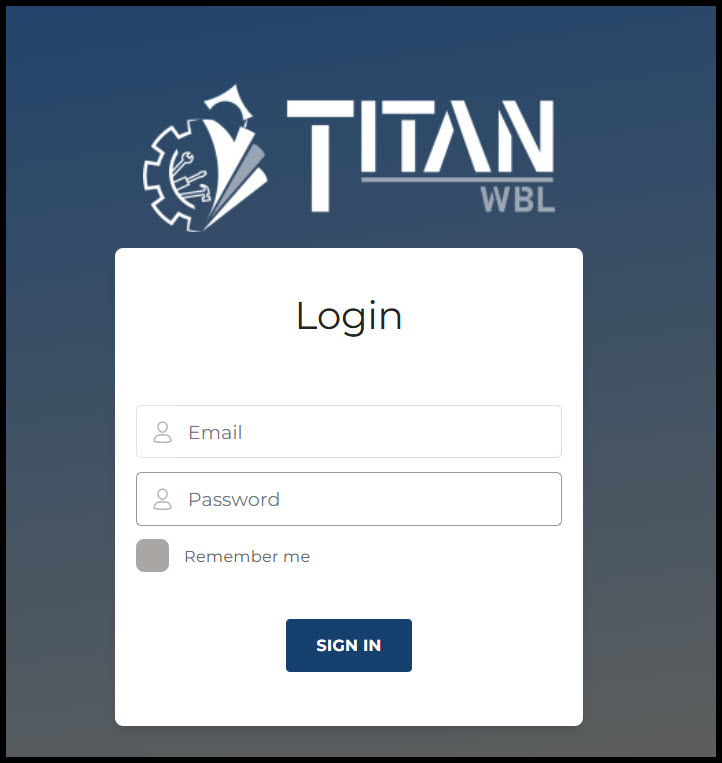
Step 2: Enter your password.
Once logged in, log your experiences, add industries, access forms, and much more! If you have any issues with logging in or need support contact your TitanWBL administrator.